Minecraft Texture Packs: Give your game a fresh look
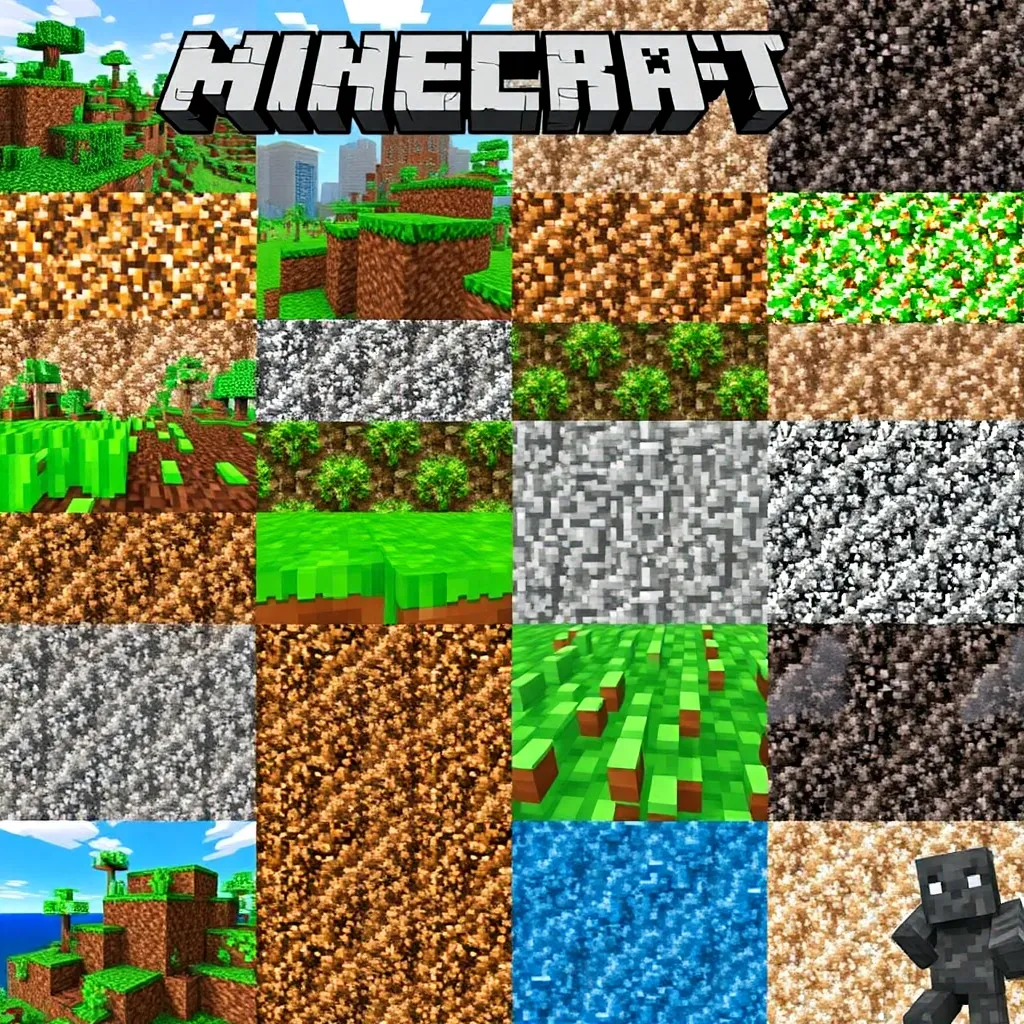
Minecraft is known for its unique, blocky look. But sometimes you want to give the game a fresh coat of paint. This is where texture packs come into play! They change the appearance of blocks, items and creatures and can completely transform Minecraft. Whether you're looking for a realistic, cartoonish or nostalgic style - there's a pack to suit every taste. In this article, we present the best Minecraft texture packs and give you tips on choosing and installing them.
Why use texture packs in Minecraft?
Texture packs not only offer aesthetic changes, but can also improve the gaming experience. With customized graphics, players can build more realistically, create more imaginative worlds or simply adjust the visual appearance to their preferences. In addition, texture packs can affect the performance of your game, so it's important to choose the right pack for your needs and system.
Popular Minecraft texture packs at a glance
Faithful: The classic for purists
For fans of the classic look, we recommend the 'Faithful' pack. It retains the original Minecraft style, but increases the resolution to 32×32 or even 64×64 pixels. This makes everything look a little more detailed and sharper without losing the charm of the original. Perfect for purists who only want a subtle improvement. [More information about Faithful](https://www.curseforge.com/minecraft/texture-packs/faithful)
SEUS PTGI: Realism through ray tracing
If you like it realistic, you should take a look at 'SEUS PTGI'. This pack uses ray tracing technology for impressive lighting effects and realistic textures. Water reflections, soft shadows and atmospheric lighting make the Minecraft world appear almost photorealistic. However, this requires a powerful PC. [Learn more about SEUS PTGI](https://www.seus.io/ptgi)
Jolicraft: Colorful fairytale world
The 'Jolicraft' pack provides a completely different look. It transforms Minecraft into a colorful, fairytale world. Pastel colors, cute mobs and playful details create a unique atmosphere. Ideal for creative players who like it playful. [Download Jolicraft](https://www.curseforge.com/minecraft/texture-packs/jolicraft)
Dokucraft: Medieval fantasy style
The 'Dokucraft' pack is perfect for fans of fantasy worlds. It gives Minecraft a medieval, slightly gloomy look. Detailed textures for armor, weapons and buildings make you feel like you've landed in an epic role-playing game. [Discover Dokucraft](https://www.dokucraft.com/)
Classic Faithful: Nostalgic return
Nostalgics will love the 'Classic Faithful' pack. It brings back the textures of the alpha and beta versions of Minecraft, but in a higher resolution. So you can reminisce without having to sacrifice modern graphics quality. [Download Classic Faithful](https://www.classicfaithful.com/)
Bare Bones: Minimalist design
The 'Bare Bones' pack is suitable for minimalists. It reduces all textures to the essentials and uses a limited but harmonious color palette. The result is a clean, almost graphic look that goes particularly well with modern architectural styles. [Bare Bones explanation](https://www.barebonespack.com/)
Random Mobs: Living diversity
If you like experimenting, you should try out the 'Random Mobs' feature. It is not a stand-alone pack, but a function that is compatible with many texture packs. It ensures that the same mobs can have slightly different textures. This makes the world look even more lively and varied. [Configure Random Mobs](https://www.minecraftrandommobs.com/)
Better Vanilla Building: More detail when building
The 'Better Vanilla Building' pack is a dream for creative builders. It adds subtle variations to the vanilla textures, allowing for more detail when building. Connected textures for glass, wood and stone open up new creative possibilities. [More about Better Vanilla Building](https://www.bettervanillabuilding.com/)
Soartex Fanver: Futuristic look
The 'Soartex Fanver' pack provides a completely different gaming experience. Its curved lines and soft color transitions give Minecraft an almost futuristic look. It is particularly suitable for modern and science fiction buildings. [Explore Soartex Fanver](https://www.soartex.net/)
Sphax PureBDCraft: Comic-like style
The 'Sphax PureBDCraft' pack is a classic among texture packs. Its comic-like style with clear lines and bold colors is unmistakable. There are versions in different resolutions so that players with less powerful PCs can also enjoy it. [Download PureBDCraft](https://bdcraft.net/downloads/purebdcraft/)
OldDays: retro look with nostalgic features
For fans of the retro look, the 'OldDays' pack is a real treasure trove. It not only brings back old textures, but also many features and sounds from earlier Minecraft versions. So you can travel back in time to the early days of the game. [Discover the OldDays Pack](https://www.olddayspack.com/)
Mizuno's 16 Craft: Anime-inspired style
The 'Mizuno's 16 Craft' pack impresses with its unique anime style. It transforms Minecraft into a world that looks like it's straight out of a Studio Ghibli movie. The nature textures in particular are breathtakingly beautiful. [View Mizuno's 16 Craft](https://www.mizunos16craft.com/)
Chroma Hills: Fantasy meets photorealism
The 'Chroma Hills' pack provides a very special visual experience. It combines photorealistic textures with a slight fantasy touch. The result is an atmospheric world that is both familiar and magical at the same time. [Explore Chroma Hills](https://www.chromahills.com/)
Modern HD: Contemporary architecture
The 'Modern HD' pack is perfect for players who like to build modern cities and houses. Its clean lines and realistic textures for concrete, glass and metal fit perfectly with contemporary architecture. Download [Modern HD Pack](https://www.modernhd.com/)
Dreadout: Dark horror feeling
If you like it spooky, you should try the 'Dreadout' pack. It transforms Minecraft into a dark horror world. Bloody textures, eerie sounds and creepy mob designs create a goosebump-inducing atmosphere. [Get to know the Dreadout Pack](https://www.dreadoutpack.com/)
Pixelarity: Charming retro look
The 'Pixelarity' pack is a feast for pixel art fans. It reduces the resolution to 8×8 pixels and thus creates a charming retro look. Despite the low resolution, all textures are amazingly detailed and lovingly designed. [Discover Pixelarity](https://www.pixelarity.com/)
Pastel Craft: Dreamy shades
The 'Pastel Craft' pack provides a completely new color experience. Its soft, pastel colors transform Minecraft into a dreamy world. It looks particularly beautiful in combination with shader packs for soft lighting effects. [Download Pastel Craft](https://www.pastelcraft.com/)
John Smith Legacy: Medieval details
The 'John Smith Legacy' pack is another perennial favorite in the texture pack scene. Its medieval style with lots of details and a warm color palette fits perfectly with castles, villages and fantasy buildings. [Explore John Smith Legacy](https://www.johnsmithlegacy.com/)
Quadral: Geometric modernism
Last but not least, the 'Quadral' pack should be mentioned. It impresses with its unique, geometric style. Clear shapes and a reduced color palette create a modern, almost abstract look. [View Quadral Pack](https://www.quadralpack.com/)
The correct selection and installation of texture packs
Choosing the right texture pack is of course a matter of taste. It is worth trying out different packs and combining them. Many packs can also be combined with shader packs to improve the graphics even further. However, be aware that high-resolution packs and shaders can affect performance. It's best to experiment until you find the perfect combination for your playing style and your PC.
Tips for installing Minecraft texture packs
The installation of texture packs is easy if you follow the steps below:
- Open Minecraft and go to the settings.
- Select "Resource Packs".
- Click on "Open Resource Pack Folder".
- Download the desired texture pack from a trustworthy source.
- Unzip the file if it is compressed.
- Drag the unzipped folder into the Resource Pack Folder.
- Go back to Minecraft and activate the new texture pack.
For detailed instructions, you can visit the official Minecraft help or watch tutorials on YouTube.
Note compatibility and performance
Not all texture packs are compatible with all Minecraft versions. Make sure that the desired pack harmonizes with your game version. In addition, high-resolution packs and shaders can use up the performance of your PC. If you notice performance problems, try a less demanding pack or optimize your graphics settings.
Conclusion: Versatility through Minecraft Texture Packs
No matter which pack you choose, texture packs are a great way to breathe new life into your Minecraft experience. They can inspire your creativity, give you new building ideas or simply provide variety. So, what are you waiting for? Dive into the colorful world of Minecraft Texture Packs and discover your favorite design!
For more information and tips about Minecraft, visit our [Minecraft section](#) and stay up to date.