Custom Minecraft skins for a unique gaming experience
Minecraft skins are a fantastic way to customize your character in the game and stand out from the crowd. With version 1.20, Minecraft offers an impressive variety of new and creative skins that make the gaming experience even more exciting and personal. Whether you're a fan of military designs, anime characters or mystical creatures - the choice is huge and varied. In this blog post, you'll learn all about the latest skin packs in Minecraft 1.20 and how to find the perfect look for your avatar.
Why Minecraft skins are so important
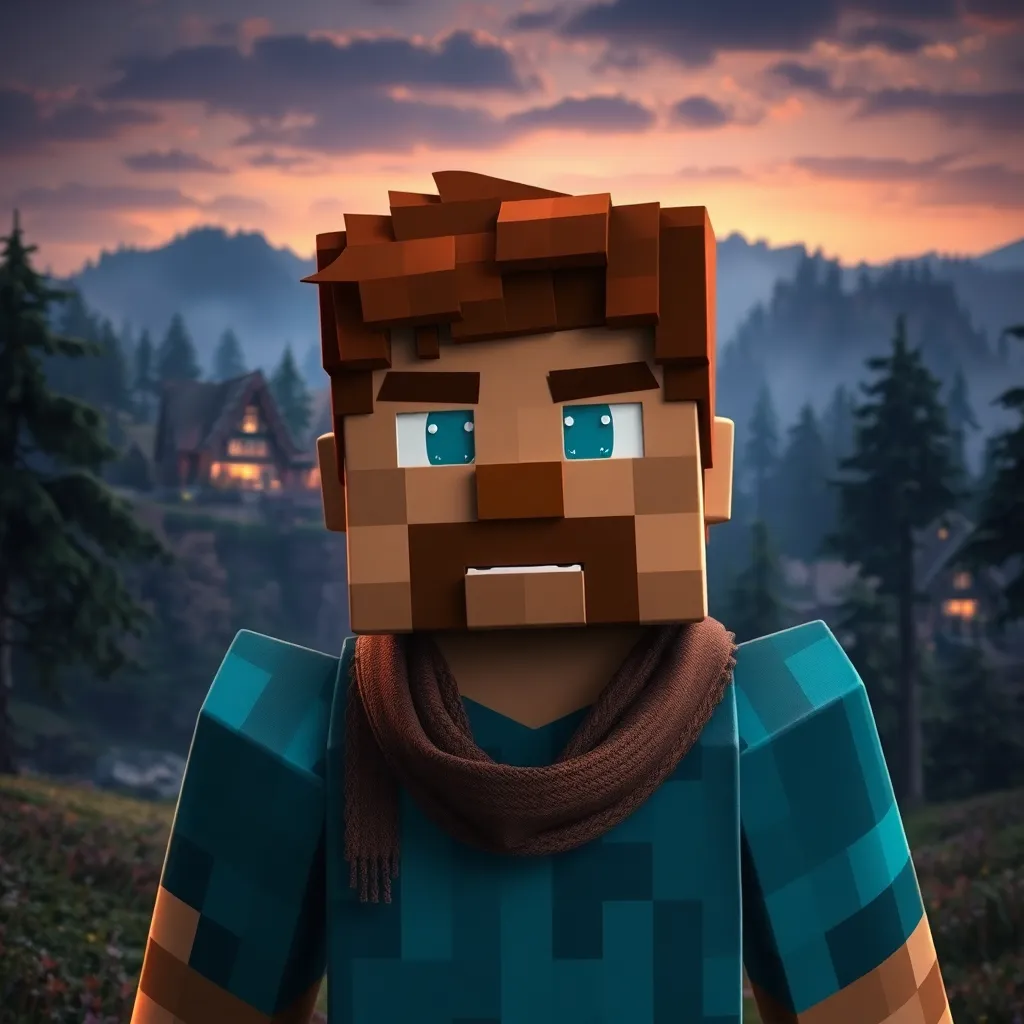
Skins play a central role in Minecraft as they give your character a unique look and reflect your personality in the game. A well-chosen skin can not only improve your gaming experience, but also boost your creativity and immerse you in the diverse world of Minecraft. Skins also allow for better identification in multiplayer mode, as other players can easily recognize your character.
New skin packs in Minecraft 1.20
The latest version of Minecraft comes with a variety of skin packs covering different themes and styles. Here are some of the outstanding packs that enrich the range:
Military Skin Pack
The ‘Military Skin Pack’ includes over 60 detailed skins inspired by real military uniforms. This pack is ideal for players who prefer a more serious and strategic look. The skins range from classic uniforms to modern, tactical outfits that are perfect for adventurers and warriors.
One Piece Skin Pack
Anime fans will love the ‘One Piece Skin Pack’, which brings the popular pirate crew from the series of the same name to life in Minecraft. With seven different skins, you have the opportunity to transport yourself into the world of Luffy, Zorro, Nami and other popular characters. This pack brings a vibrant and colorful dynamic to your game.
Creepy Creatures Skin Pack
For those who like it a little creepier, the ‘Creepy Creatures Skin Pack’ offers a range of eerie creatures such as Deep Gaze and Dread Skull. These skins are perfect for scaring other players or simply creating a gloomy atmosphere. Ideal for Halloween or exciting adventures in dark caves.
Colorful Font + More Pack
If you like it colorful and playful, you should check out the ‘Colorful Font + More’ pack. This pack not only adds colorful skins, but also new fonts that add a creative touch to your Minecraft chat and fonts. Perfect for players who want to add a personal touch to their servers.
Legends Skin Pack
The ‘Legends Skin Pack’ contains 14 skins of famous personalities and fictional characters. This pack is a great way to transform your Minecraft avatar into a well-known hero or legend. From famous movie heroes to historical figures, this pack offers a diverse selection for every taste.
Custom 1st Person Hand Pack
For those looking for something unique, the ‘Custom 1st Person Hand Pack’ offers the option to customize the player's hand in first person mode. This small but nice detail makes the gaming experience even more immersive and offers additional personalization options.
How to choose the perfect skins
Choosing the right skin can have a big impact on your gaming experience. Here are some tips on how to find the perfect skin for your Minecraft avatar:
- Personal taste: Choose a skin that matches your personal preferences and interests, be it a certain style, a favorite character or a specific theme.
- Theme compatibility: Make sure that the skin suits your playing style. A military skin, for example, is ideal for players who like to take a strategic approach.
- Uniqueness: Look for skins that are rare or unique to make sure your avatar really stands out.
- Actuality: Keep an eye out for the latest skin packs and updates to take advantage of fresh designs and current trends.
Installation of Minecraft skins
Installing skins in Minecraft is straightforward and can be done in a few simple steps:
- Open the Minecraft Launcher and log in with your account.
- Go to your profile and click on “Edit profile”.
- Select “Browse” and upload the desired skin.
- Save the changes and restart the game to see the new skin.
Alternatively, you can also create new skins directly in the game using the skin editor or select existing skins from various packs.
Further customization options in Minecraft
In addition to skins, Minecraft offers numerous other customization options to personalize your gaming experience:
- Texture Packs: Texture packs change the appearance of the blocks and objects in the game to provide a completely new visual experience.
- Mods: Mods allow you to add additional functions and content that go beyond the basic game.
- Shader: Shaders improve the graphics of the game by adding realistic lighting effects and shadows.
These customizations, combined with unique skins, can take your Minecraft experience to the next level.
Popularity and community
The Minecraft community is vibrant and active, which means that new skins and skin packs are constantly being developed. Through forums, social media and dedicated websites, you can interact with other players, find inspiration and share your own designs. The ever-growing community ensures that new and innovative skins are always available to enrich your gaming experience.
Conclusion: Variety and creativity at Minecraft level
The variety and creativity of the skins in Minecraft 1.20 is impressive. Whether you're looking for a new look for your character or just want to try out some cool skins, there's something for everyone in this version. The skins can be easily installed via the Minecraft Launcher or directly in the game, so you can try out your new look quickly and easily. With the numerous options, you can customize your avatar and stand out in the wide world of Minecraft. Discover the new skin packs and customize your gaming experience to your liking!